Showing posts with label Windows 8.1 (Codename Windows Blue). Show all posts

Saturday, July 20, 2013

Bypass CPU feature checks (PAE, NX, SSE2 etc.) & install Windows 8/8.1 Preview

You should already know that Windows 8 requires the following CPU features: Physical Address Extension (PAE), NX processor bit (NX), and Streaming SIMD Extensions 2 (SSE2). You should be greeted with error code 0x0000005D (Rrocessor not supported) if your processor lacks of one of the above features.


Further more, 64 bit edition of Windows 8.1 Preview requires more features such as CMPXCHG16b, PrefetchW and LAHF/SAHF.

This is problematic for users who have older processors which are capable for running Windows 8/8.1 Preview in theory but don't have one of the above features (Example: most of the Socket 478 Pentium 4 processors).

But spotlight moves to an apparently silent German user from MDL, Jan1 who successfully creates a patch to circumvent all of the CPU feature checks. The main disadvantage of this method is Windows Update may update the patched files & you have to re-apply the patch. Anyway, kudos to Jan1 for making this awesome piece of codes.

Check out the main thread for more info & installation instructions. People who want ready-made ISO, check this contribution by FaiKee@MDL.

Image courtesy: VMWare Community

Saturday, April 20, 2013

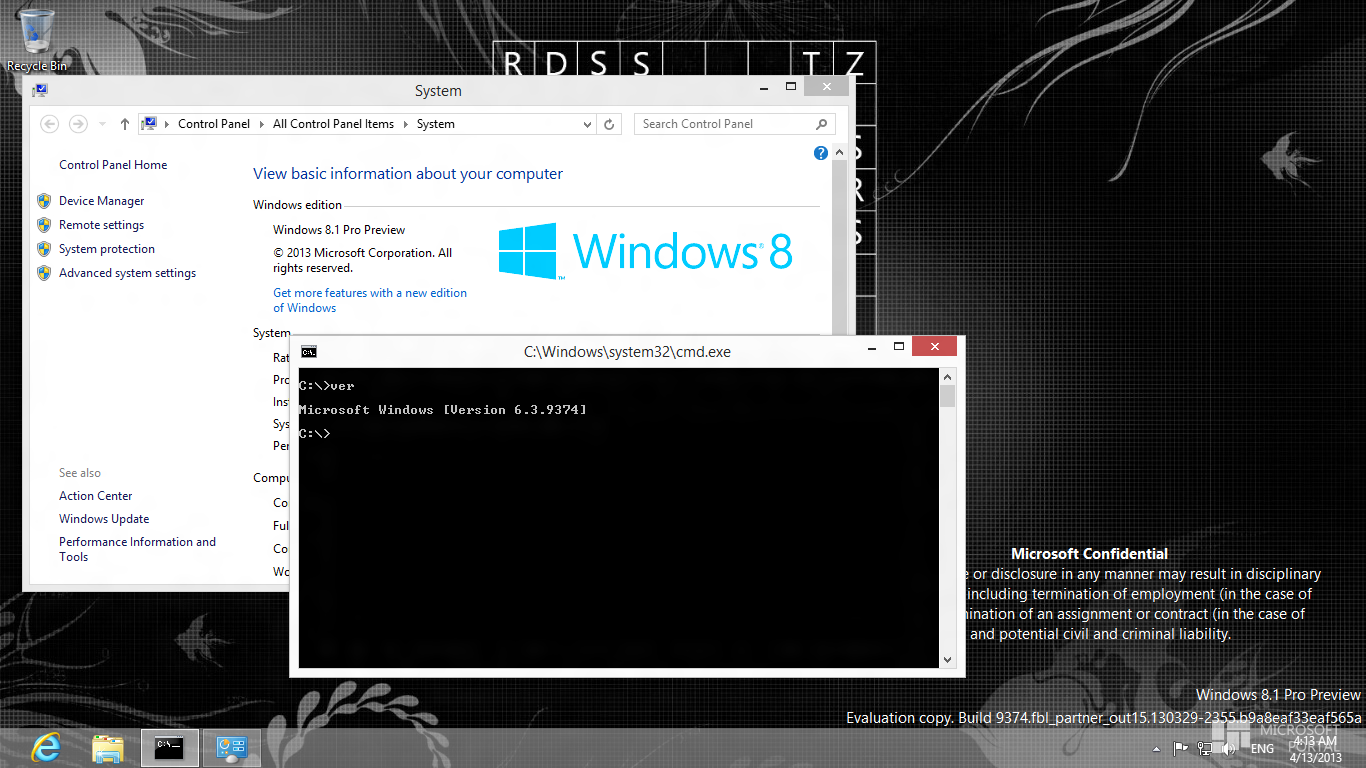
Windows Blue build 9374 leaked!!!

Now its time for an x86 leak, again from winclub.pl.


Details of the leaked build:
9374.0.FBL_PARTNER_OUT15.130329-2355_X86FRE_CLIENT_EN-US-IMP_CCSA_DV5.ISO

CRC32: 567B9AC8
MD5: 0FA9AB7CBC4722DB0FF9B31E79F5B548
SHA-1: 09698D08E9AB40810C0486CDDFFF9DE1086122F9 

Download links:

Torrent link (by mustdie@MDL):

Follow this thread for findings & discussions.

Source: ms-7@MDL.

Friday, April 19, 2013

Wednesday, April 17, 2013

Windows Blue build 9369 leaked!!

After the series of fake news about build 9385, build 9369 is leaked through winclub.pl.


Notice that its 64 bit edition. It still uses Windows Release Preview pkeyconfig, so WRP Pro gvlk works for activation. You can even upgrade to Media Center. Activation can be done by CODYQX4's Microsoft Toolkit. Mind that activation doesn't remove the time-bomb. 

Download (provided by dippyweb@MDL):
6.3.9369.0.fbl_partner_out14.130324-1300_IMP_CCSA_X64FRE_EN-US_DV5.iso
3,59 GB (3 860 426 752 bytes)

Magnet link: magnet:?xt=urn:btih:D91B1CDBBBEBFE0F2FD1A3696547C8732AEC435C

For discussions & findings, follow this thread.


Tuesday, April 16, 2013

(Fake) Its coming!!! Windows Blue build 9385...

jesthon900@winforum.eu has confirmed that he may leak the build 9385 of Windows Blue through TPB.


A great news for the enthusiasts, isn't it?? He has also posted the static activation key of this build which is D3J8F-D4NRT-HKDHV-8TY4M-U78A1.

Stay tuned...

**Edit**

Its fake :(

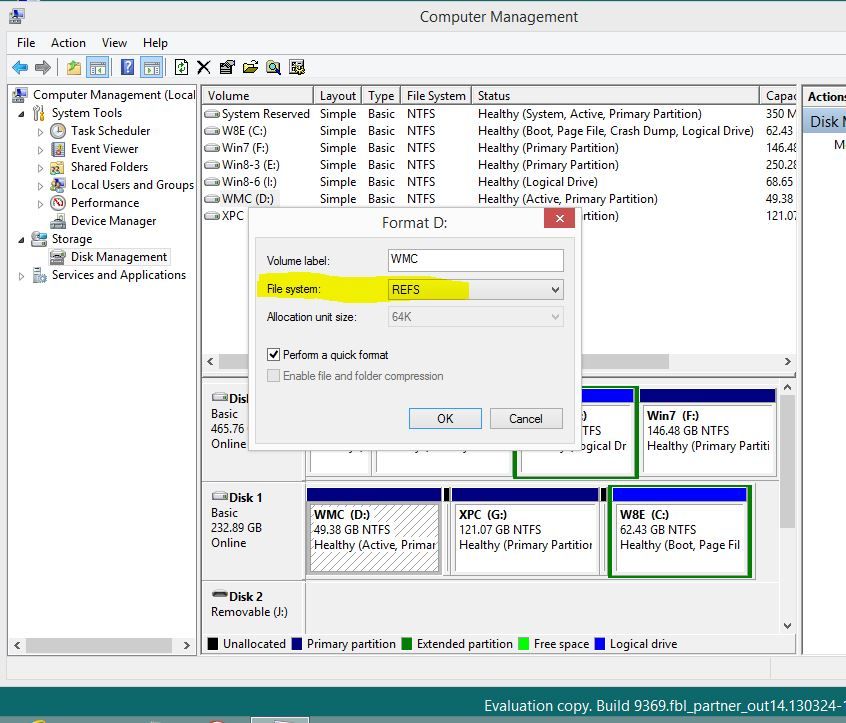
pisthai@MDL first showed the proof:

And the discussions from winforum.eu clearly proved that jesthon900@winforum.eu was lying.

Epic fail of photoshop lover... :D


Will there be a download progress bar under live tiles in Windows Blue??


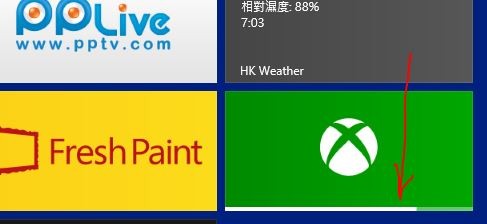
In the leaked Windows Blue build 9364, there is a little change while downloading metro apps. It now shows a little progress bar at the bottom of app tile whereas in Windows 8 RTM, when downloading an app it shows only "Pending" and "Installing" on the bottom left of the app tile.

It is spotted by ms-7@MDL in the video posted by BAV0@MDL at 2.11.

Image source: FaiKee@Neowin.


Windows Blue build 9385 really exists!!


Here is the proof of existence of build 9385 (both x86 and x64 builds).

Changelog by jesthon900@winforum.eu:
the pc settings 3 new features in skydrive and 4 major features one is snap to shutdown in left unlike 9364 and snap to right sleep.. including movie moment's auto pixel enhancement and movie color schemes internet explore new features.. and many more

He has also claimed that this leaked images are obtained from his friend, who is working on build Blue.

Monday, April 15, 2013

Sunday, April 14, 2013

Will there be an option of 'boot to desktop' in Windows Blue??

Since Windows 8 Consumer Preview, Microsoft removes the ability to directly boot to desktop without showing the metro start screen. Well, there are many ways to overcome this limitation e.g using a service that runs before winlogon (used by Classic Shell) or installing tokens of previous editions of Windows etc.

But seems that Microsoft will officially re-enable this feature. In the leaked Windows Blue build 9364, it can be seen that twinui.dll has a line of code that is responsible for disabling the metro start screen.

In Windows Blue build 9364, there is no such feature spotted (yet), but twinui.dll proves that the Redmond Giant is working on it.

Source


Seems that the original article is removed (Thanks to FaiKee@MDL). So I have posted the screenshot from ghacks.net.

***
Another edit ;)

ms-7@MDL pointed me to the original post on this topic by nosferati87@MDL. 

Friday, April 12, 2013

Tuesday, April 9, 2013

Windows 8.1 build 9374 continues to leak in pieces

Some files from System32 folder (7.38 MB)

boot.wim (164.06 MB)

Source
Via ms-7@MDL

Seems that we'll see the leak of this build soon... :)

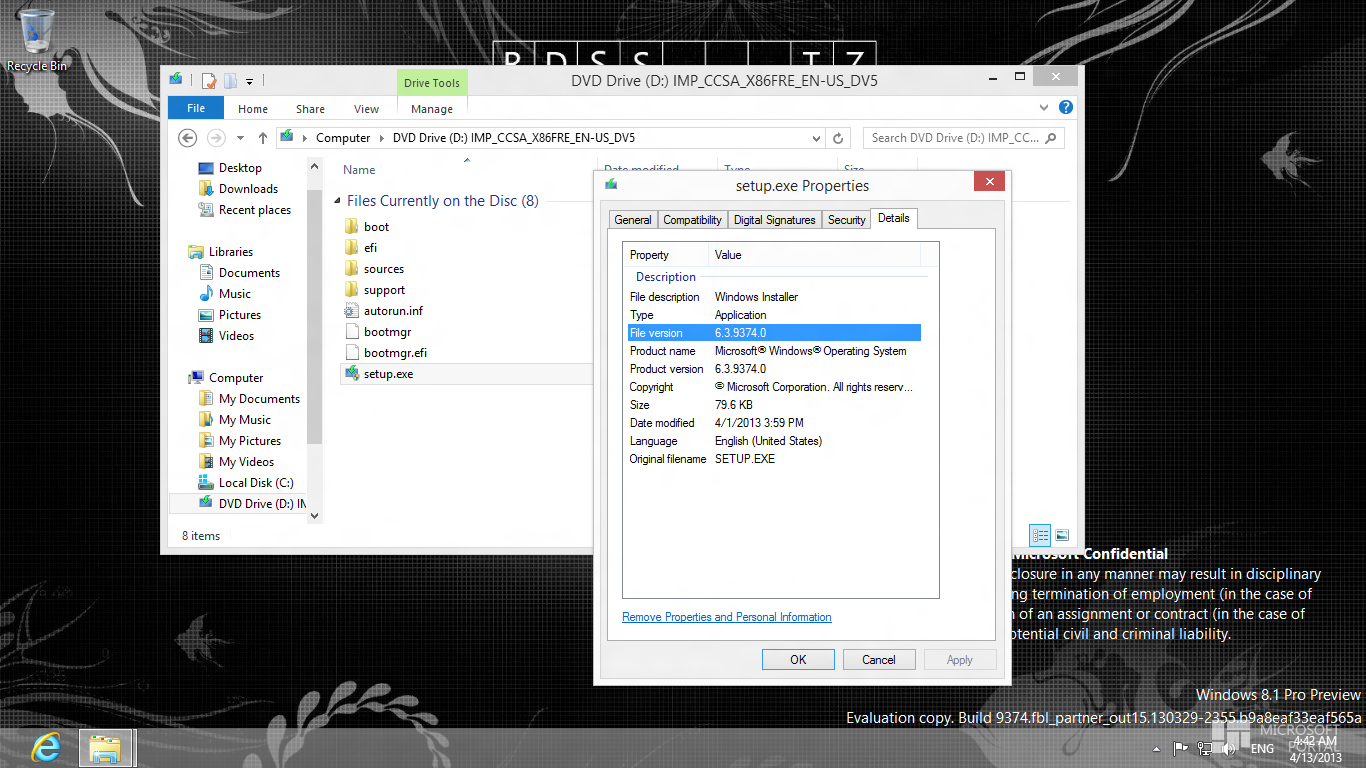
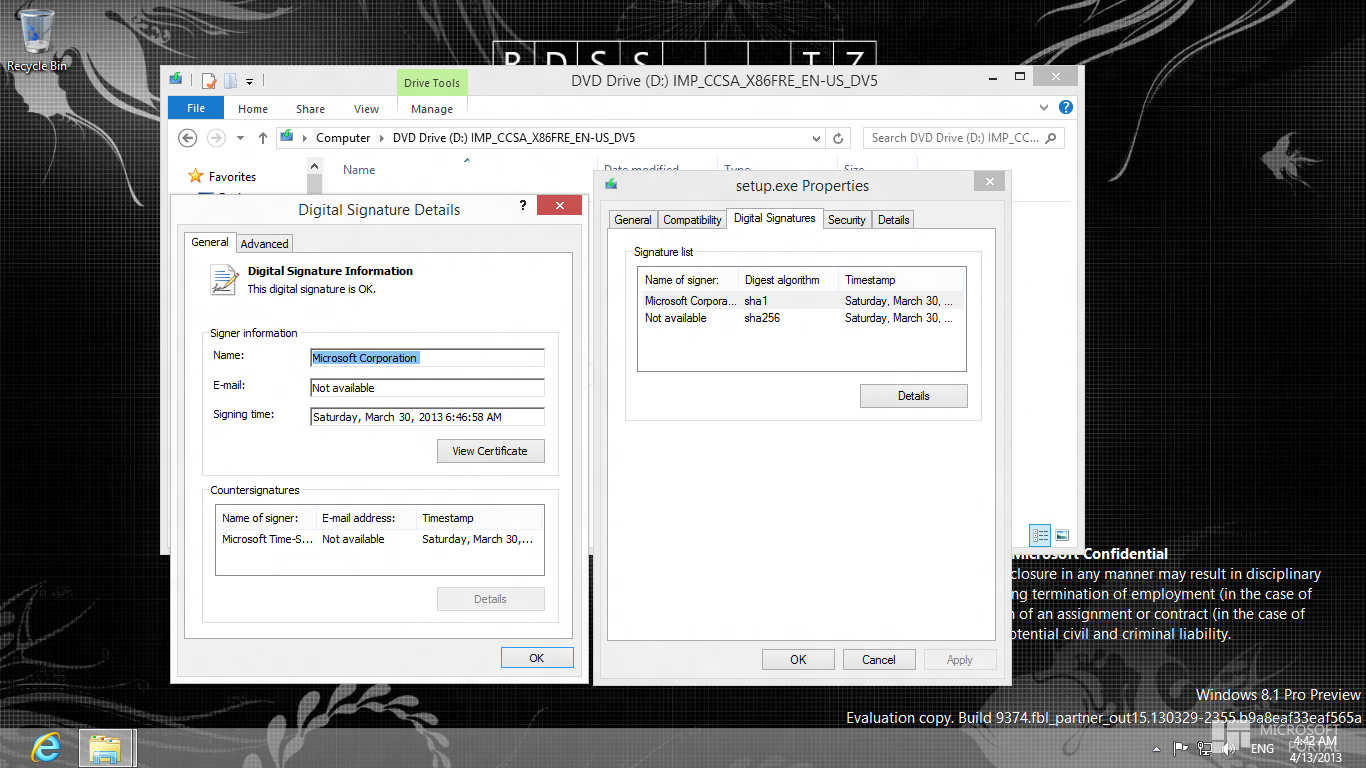
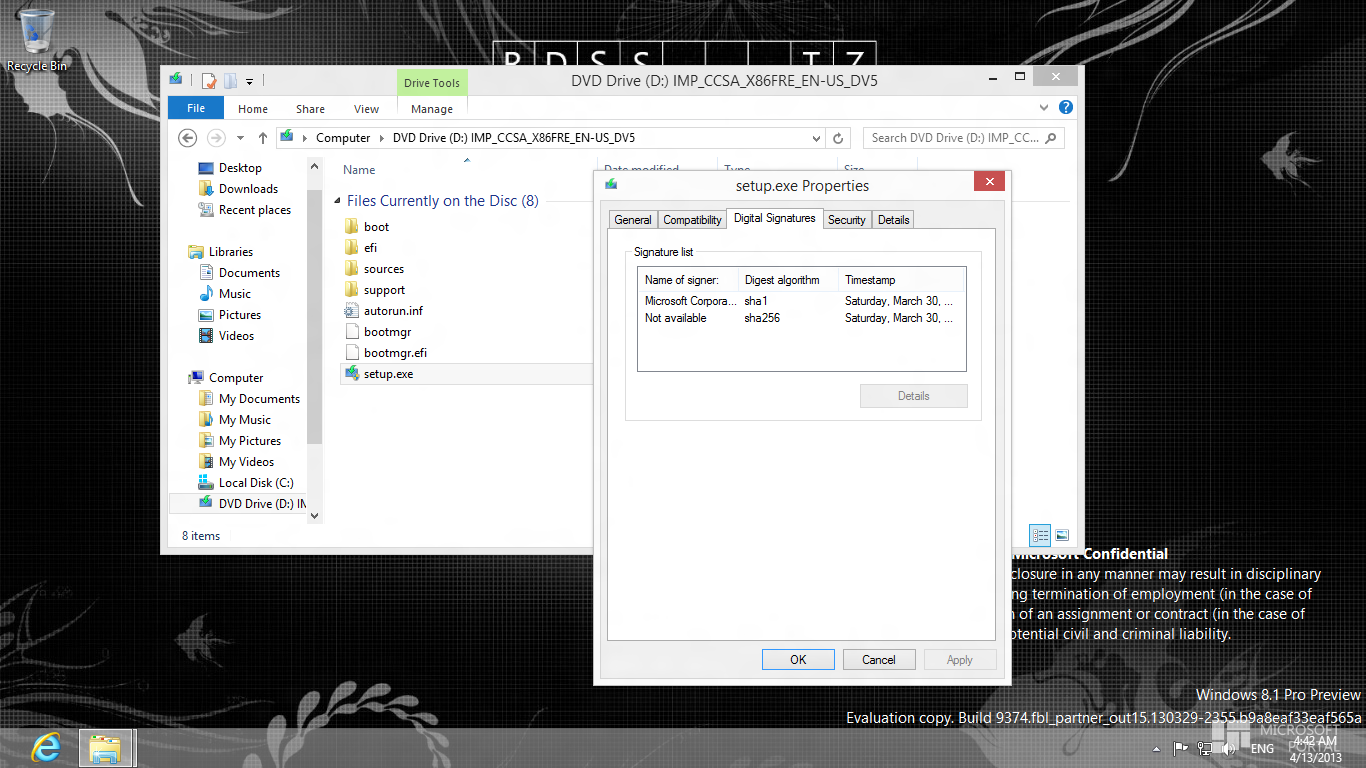
Setup.exe from Windows Blue build 9374 leaked


Seems that Scooby ^@winforum.eu wasn't right; dism.exe, install.exe & setup.exe from build 9374 are leaked from winforum.eu.


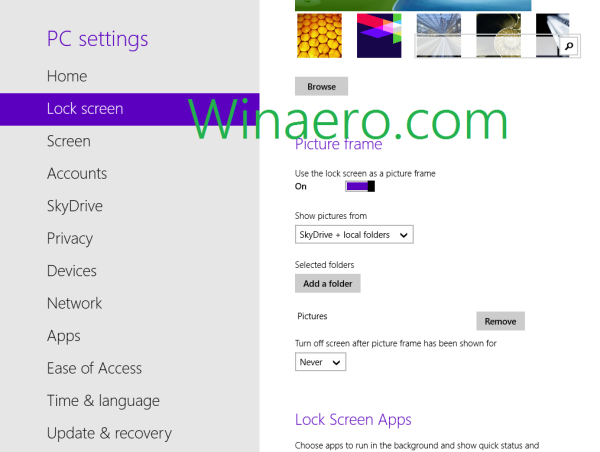
Unlock the hidden Lock Screen Slideshow (Picture Frame) feature in Windows Blue

Sergey Tkachenko/hb860@MDL has shared few registry tweaks which will allow you to customize the brand new Lock Screen feature - called Picture Frame. Windows Blue allows you to turn your PC/tablet into a picture frame. This feature will swap a set of images from the folder you specify via the "PC Settings" applet.


Original credit goes to BetaArchive.com member Ultrawindows who discovered this.


How to enable/disable the personal folders in Windows Blue build 9364

Have you noticed the presence of the 'My Documents', 'My Music', 'My Pictures' & 'My Videos' folders in Computer of Windows Blue build 9364?? Just like Windows XP :D

BAV0@MDL has posted a reg tweak to disable them. He has also included two read-made reg files for enabling/disabling with ease.


Installing the .NET Framework 3.5 on Windows 8 and later builds

Long story short, Microsoft has decided not to include .NET Framework 3.5 in Windows 8 since the Preview days. It is not a secret now and its a child's play to install it. Anyway I have decided to post all the available methods and their sources (time pass :D).
  • Most of us decide to take the easy route aka install it though Programs and Features (via Windows Update).
  • The famous canouna/NTmarta@MDL had posted the dism way on 03 October, 2011(!). Seems that Microsoft didn't want to spread this fact then, so it was distributed with a 'CONFIDENTIAL' tag.
  • Both ways (through Windows Update and dism) are discussed in MSDN.
  • Some people prefer the reverse integration method i.e install it online/offline, then capture the installation to a WIM and later use the WIM for further installation.
  • Dr.Emuler@MDL has decided to make an offline installer where the resources are embedded in it and it doesn't need Windows Installation media. It is revised and currently maintained by abbodi1406@MDL (for 8.1, see here).
  • AskVG reader Cedric Poottaren has made a GUI front end of the dism way.
  • One VBScript and one PowerShell script are published in Technet. Both cover the online & offline ways.

;)

(Fake?) Windows Blue build 9374 screenshot spotted


By gangster@MDL; eventually proved fake(?) by Scooby ^@winforum.eu.

New behavior of metro apps in Windows Blue build 9364

In the RTM build of Windows 8, swiping down to close a metro app completely stops the process. On the other hand, in build 9364 the process continues running (it's removed from the app switcher however). Now when you reopen the app it is immediately there where you left off; however in RTM build it takes some time to load.

By nosferati87@MDL.

What do you think about the change??